
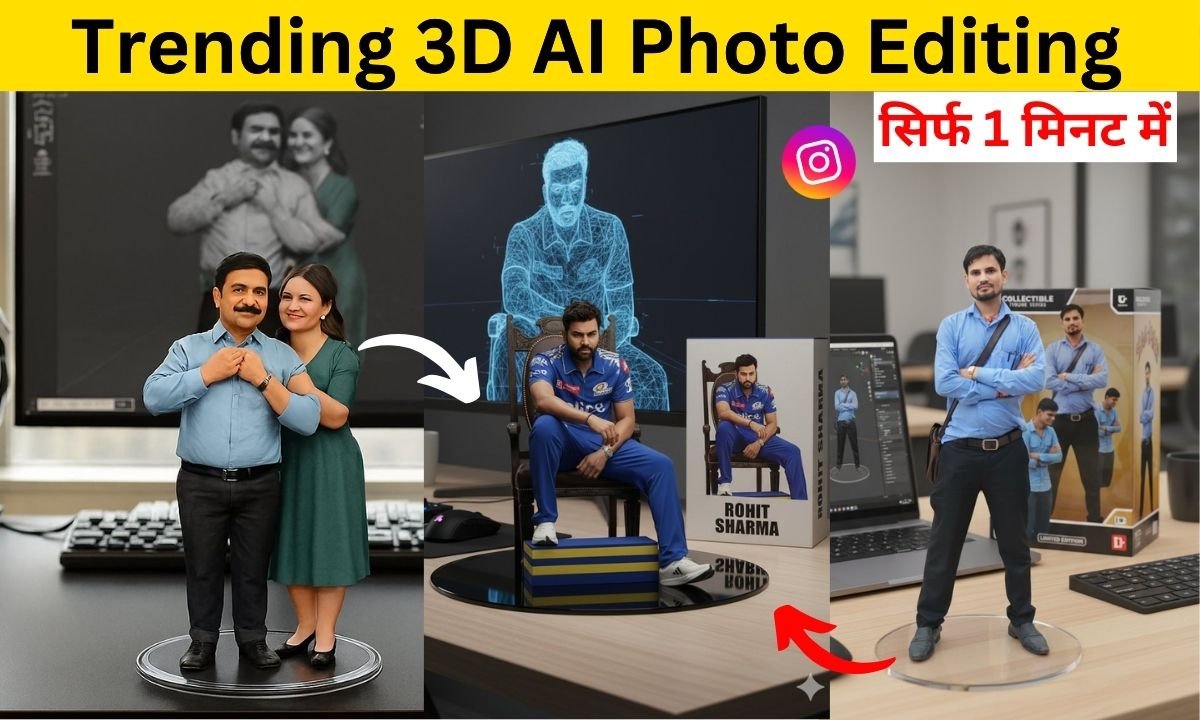
आज के समय में 3D AI Photo Editing सोशल मीडिया पर सबसे Trending Editing Style बन गई है। चाहे बात हो Instagram Reels, Facebook Posts, WhatsApp DP या YouTube Thumbnails की – हर जगह लोग 3D इफेक्ट वाली तस्वीरें डाल रहे हैं। खास बात यह है कि अब आपको भारी-भरकम सॉफ्टवेयर की जरूरत नहीं, सिर्फ Mobile Apps और AI Tools से आप घर बैठे धमाकेदार 3D फोटो बना सकते हैं।
इस ब्लॉग में हम आपको बताएंगे कि Mobile से 3D AI Photo Editing कैसे करें, कौन-से Apps और AI Tools इस्तेमाल करें, 3D फोटो बनाने के आसान तरीके, और क्यों ये Style इतनी तेजी से Viral हो रही है।
3D AI Photo Editing क्या है?
3D AI Editing का मतलब है किसी भी Simple Photo को ऐसा Look देना जैसे वो Depth और Realistic Effects के साथ निकलकर सामने आ रही हो। AI (Artificial Intelligence) की मदद से Mobile Apps अब आपके फोटो को Auto-Detect करके उन्हें Dynamic 3D, Motion Blur, Neon Glow और Depth Mapping इफेक्ट दे देते हैं।
Mobile से 3D AI Photo Editing क्यों है Trending?
-
Viral Content Creation: सोशल मीडिया पर 3D Photos तेजी से वायरल होते हैं।
-
Easy to Use: बिना Laptop और Software के सिर्फ Mobile से Editing हो जाती है।
-
Professional Look: फोटो बिल्कुल Cinematic और Stylish बन जाती है।

-
Free Tools Available: कई AI Photo Editing Apps मुफ्त में 3D इफेक्ट देते हैं।
-
Unique Identity: आपके Profile Pictures और Posts बाकी लोगों से अलग दिखते हैं।
Mobile से 3D AI Photo Editing करने के आसान Steps
1. सही App या AI Tool चुनें
कुछ Best Mobile Apps:
-
Remini AI
-
Lensa AI
-
CapCut (3D Zoom Effect)
-
PicsArt
-
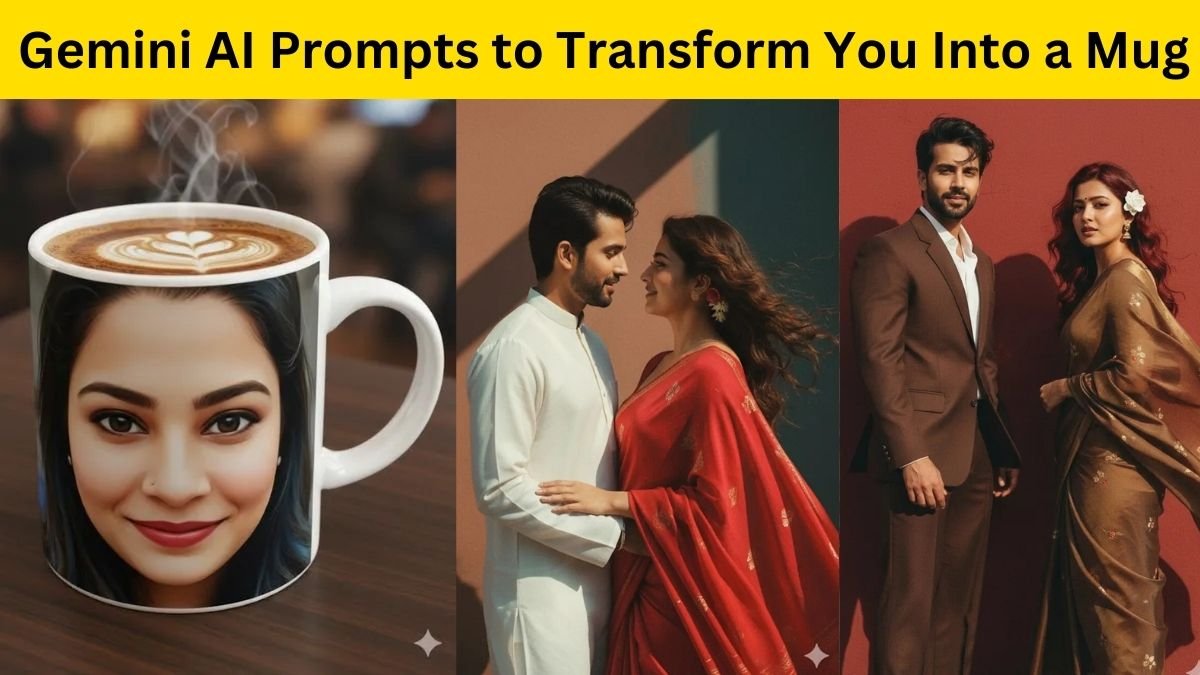
Gemini AI Prompts
2. फोटो अपलोड करें
अपना Best Photo अपलोड करें, जिसमें Face Clear दिख रहा हो।
3. 3D Effect Apply करें
AI Automatically फोटो को Detect करके 3D Depth और Motion Effects जोड़ देगा।

4. Customize करें
आप चाहें तो Brightness, Contrast, Neon Effect, Glow, Background Blur आदि भी जोड़ सकते हैं।
5. Save & Share करें
Final 3D फोटो को High Quality में Save करके Instagram, WhatsApp, Snapchat, YouTube Thumbnail या Facebook पर शेयर करें।
Gemini AI Prompts से बनाएं Viral 3D Photos
अगर आप AI से 3D फोटो बनाना चाहते हैं तो बस Copy-Paste Prompts का इस्तेमाल करें। उदाहरण:
-
“Create a 3D animated photo with neon lights and depth blur”
-
“Generate a cinematic 3D portrait with realistic shadow effects”

-
“Make my photo into a 3D cartoon-style viral look”
इन Prompts को डालते ही आपका Simple Photo एकदम Viral-Worthy 3D Look में बदल जाएगा।
Social Media पर 3D AI Photos का जादू
आजकल हर Influencer और Content Creator 3D AI Editing का इस्तेमाल कर रहा है।
-
Instagram Reels पर Trending 3D Zoom Effect सबसे ज्यादा यूज़ किया जाता है।
-
YouTubers अपने Thumbnail को 3D Style में बना रहे हैं ताकि Clicks ज्यादा मिलें।
-
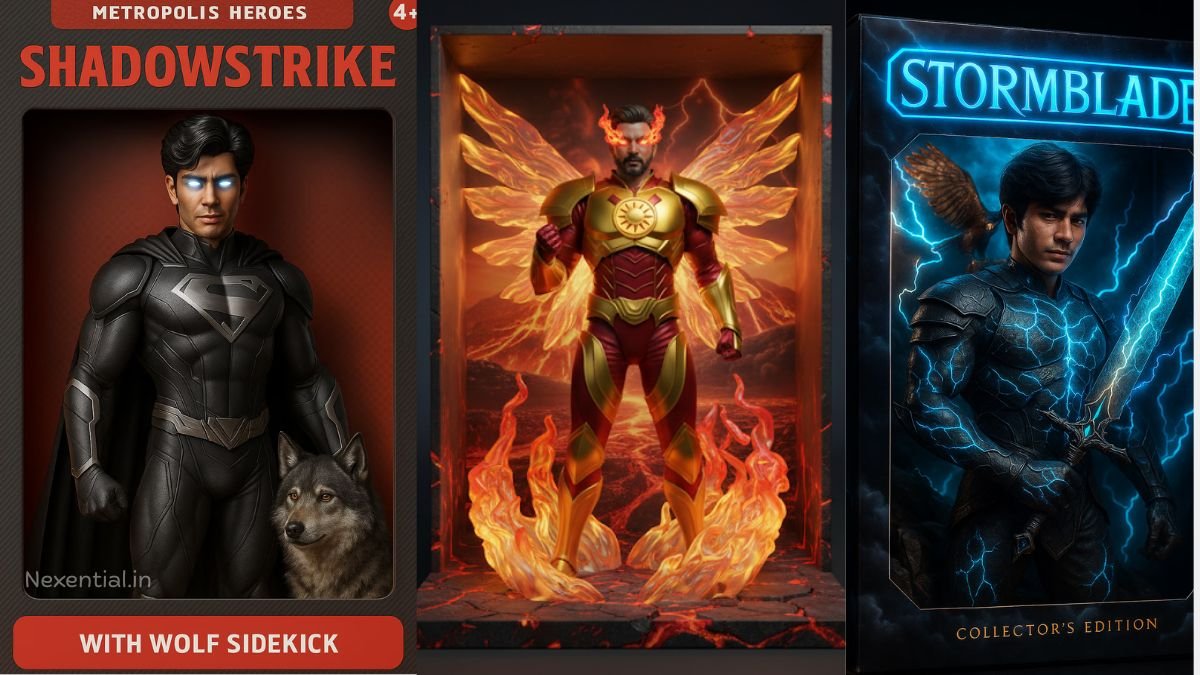
WhatsApp और Facebook DP में भी लोग 3D फोटो लगाकर अलग Identity दिखा रहे हैं।
3D AI Photo Editing Tips
-
हमेशा High-Resolution Photos का इस्तेमाल करें।
-
Good Lighting वाले फोटो ज्यादा Realistic 3D बनते हैं।
-
Editing के बाद Sharpness और Vibrance को Adjust करें।
-
ज्यादा Filters का Use न करें, Natural 3D Effect ज्यादा Viral होते हैं।
3D AI Photo Editing 2025 में Mobile Users के लिए एक जबरदस्त Trend बन चुका है। अब सिर्फ एक Mobile और Free Apps की मदद से कोई भी अपना Simple Photo को Professional Cinematic 3D Look में बदल सकता है।
अगर आप भी चाहते हैं कि आपके Photos Instagram पर Viral हों, WhatsApp DP सबसे Unique लगे और YouTube Thumbnail पर ज्यादा Views आएं, तो आज ही Mobile से Trending 3D AI Photo Editing ट्राय करें और बनाएं धमाकेदार 3D फोटो।
Geiehvsheivshsisvridhsgi
“Create a 3D animated photo with neon lights and depth blur”
Vija Raj