

Hello दोस्तों, आपका स्वागत है हमारे आज के खास Tech & AI Update में! आज हम बात करने जा रहे हैं एक ऐसे AI feature की जो आपकी साधारण photos को 90s के vintage charm में बदल सकता है — Gemini AI Photo Editing Prompts। अगर आप भी चाहते हैं कि आपकी तस्वीरें old film style, retro tone या vintage cinematic effect में दिखें, तो ये guide आपके लिए ही है।
Gemini AI क्या है और ये Photo Editing में कैसे काम करता है?
दोस्तों, Google Gemini AI सिर्फ text generation tool नहीं है, बल्कि अब इसमें photo editing, image generation और creative enhancement जैसी advanced features भी मौजूद हैं।
आप बस एक prompt देते हैं — और Gemini AI आपकी photo को उस theme या style में transform कर देता है।
Retro & Vintage style photo बनाने के लिए Gemini AI अब सबसे smart और trending option बन चुका है।
Retro & Vintage Look इतना Popular क्यों है?
आजकल social media पर एक नया trend चल रहा है — “Old is Gold” look।
लोग modern filters से ज्यादा natural और nostalgic tones पसंद कर रहे हैं, जो 80s या 90s की याद दिलाते हैं।
Gemini AI की मदद से अब आप बिना Photoshop या Lightroom के वो same cinematic retro vibes सिर्फ एक prompt से पा सकते हैं।
Top Gemini AI Photo Editing Prompts for Retro & Vintage Look
नीचे कुछ best और viral prompts दिए गए हैं जो आपकी photos को stunning retro feel देंगे —
इन्हें आप Gemini AI या किसी भी compatible AI editor में इस्तेमाल कर सकते हैं:
-
“Transform my photo into 90s film camera look, soft grain, faded colors, vintage mood.”

-
“Create a retro portrait with warm tone, old film texture, light leak effect.”
-
“Convert my selfie into a classic vintage magazine cover from 1980s.”
-
“Apply analog film style with brownish tone, cinematic shadows, nostalgic vibe.”
-
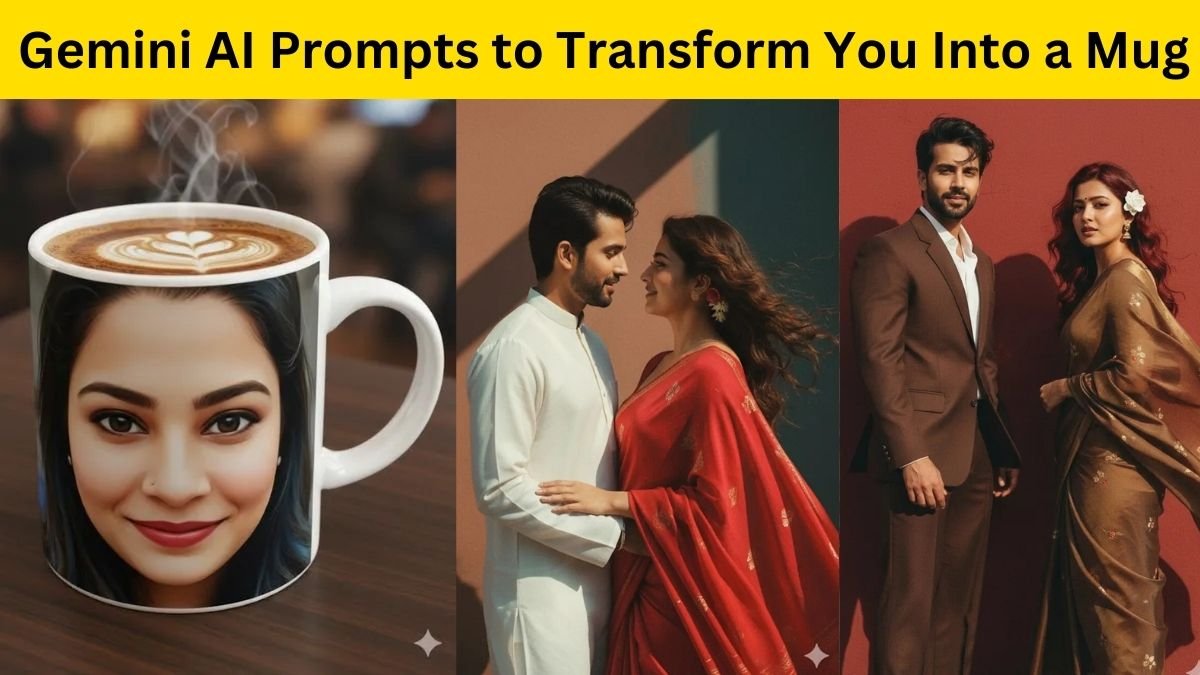
“Make a retro couple photo with old Polaroid frame and light blur background.”
-
“Give a vintage city street effect, washed-out color and old lens blur.”
-
“Turn my image into sepia tone photo with 70s mood and film dust.”
-
“Recreate classic Bollywood retro poster style with film reel texture.”
-
“Old-school retro look with vignette edges, soft contrast and pastel tone.”
-
“Make a vintage portrait in warm daylight with subtle lens flare and film effect.”
Step-by-Step Guide – Retro Photo Editing with Gemini AI
-
Gemini AI खोलें (या कोई AI image editor जिसमें text-to-image feature हो)।

-
अपनी original photo upload करें।
-
ऊपर दिए गए किसी एक prompt को copy-paste करें (आप चाहें तो modify भी कर सकते हैं)।
-
Generate Image पर क्लिक करें।
-
AI कुछ ही सेकंड में आपकी photo को retro/vintage style में बदल देगा।
-
Result को download करें और social media पर share करें।

Pro Tip – Perfect Vintage Effect के लिए Extra Keywords जोड़ें
अगर आप चाहते हैं कि result और भी cinematic दिखे, तो prompt में ये keywords ज़रूर जोड़ें:
-
“film grain”, “warm lighting”, “vignette edges”, “analog tone”, “matte finish”, “old film frame”
इनसे AI को photo का exact mood समझ आता है और output बहुत natural लगता है।
Gemini AI Retro Editing के Benefits
-
कोई complex editing नहीं करनी पड़ती
-
High-quality realistic retro tone
-
Free & easy to use
-
Social media friendly output
-
Personalized looks for every mood
Comparison: Gemini AI vs Photoshop Retro Filters
| Feature | Gemini AI | Photoshop |
|---|---|---|
| Editing Time | 1 Minute | 20–30 Minutes |
| Skill Required | Basic | Professional |
| Realistic Vintage Effect | Yes | Limited |
| Cost | Free / Low | High |
| Creativity | Unlimited Prompts | Manual Filters |
Verdict: Gemini AI creative users और influencers के लिए perfect है जो quick retro vibes चाहते हैं।
तो दोस्तों, अब आप समझ गए होंगे कि Gemini AI Photo Editing Prompts की मदद से आप अपनी ordinary photos को कैसे stunning retro & vintage style में बदल सकते हैं।
AI की दुनिया में अब creativity की कोई सीमा नहीं रही — बस सही prompt टाइप करें और आपकी photo बन जाएगी 90s की classy यादों जैसी!