Hello दोस्तों, आपका स्वागत है हमारे आज के नए AI creative article में! आज हम बात करने जा रहे हैं एक ऐसे trend की जो social media पर काफी तेजी से viral हो रहा है — Gemini AI Tea Photo Prompts। अगर आप भी चाहते हैं कि आपकी photos में aesthetic tea vibes या cozy feel दिखे, तो बस कुछ prompts copy-paste करके आप भी बना सकते हैं trending tea photos।
AI Photo Creation में Tea Trend क्यों Viral हो रहा है?
दोस्तों, आजकल Instagram और Pinterest पर “Tea Aesthetic Photography” का craze बहुत बढ़ गया है।
लोग AI tools जैसे Gemini AI, ChatGPT Image Editor या Leonardo AI का use करके ऐसी pictures बना रहे हैं जो असली DSLR से खींची हुई लगती हैं।
AI के जरिए आप chai की steam, light reflection और background ambiance को cinematic style में generate कर सकते हैं — और यही वजह है कि ये trend इतना popular हुआ है।
Gemini AI से Tea Photos कैसे बनाएं – Step-by-Step Process
-
Gemini AI खोलें – Google के Gemini tool में login करें (या किसी भी AI image tool का use करें)।
-
Prompt डालें – नीचे दिए गए ready-made prompts को copy-paste करें।

-
Generate पर Click करें – कुछ seconds में आपको stunning AI tea photo मिल जाएगी।
-
Download करें – Image को save करें और चाहें तो Canva या Lightroom में थोड़ा enhance करें।
-
Share करें – Instagram, Threads, Pinterest या YouTube thumbnail के लिए perfect visuals तैयार!
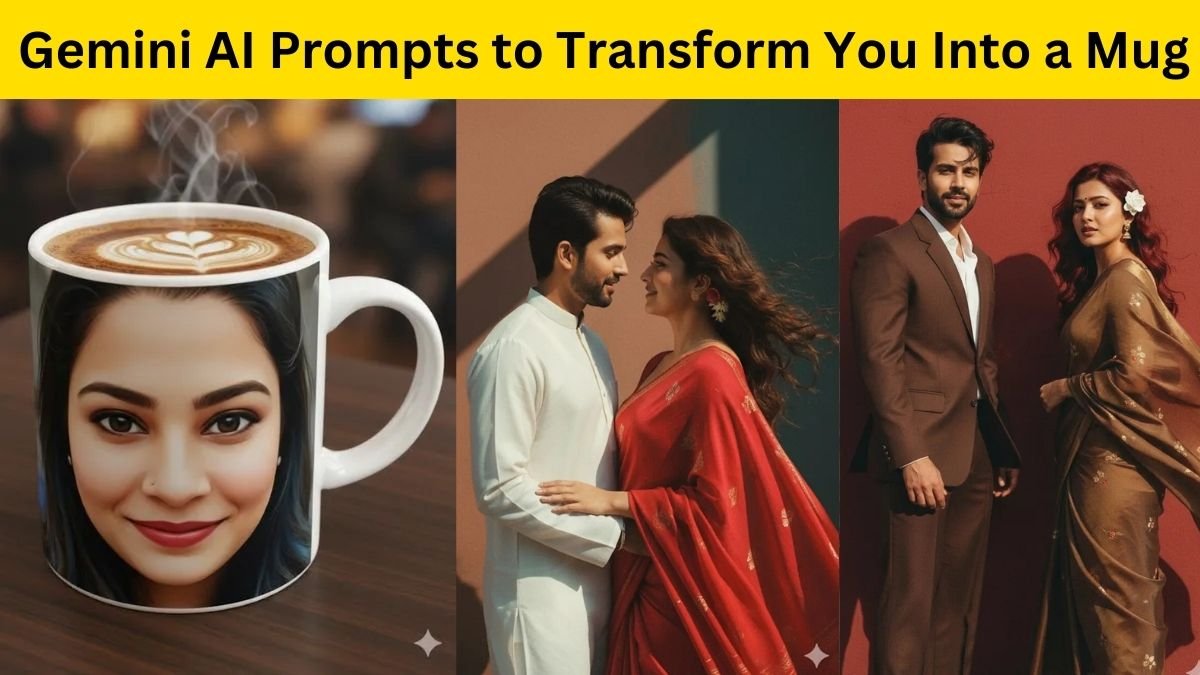
अब देखें 3 Trending Tea Photo Prompts (Copy-Paste Ready)
Prompt 1: “Morning Tea Vibes”
“A cup of hot Indian chai on a wooden table, morning sunlight coming through window, steam visible, realistic DSLR shot, cozy kitchen background.”
Result:
इस prompt से आपको एक natural light वाली, soft और cozy morning tea photo मिलेगी – बिल्कुल aesthetic Instagram style में।
Prompt 2: “Rainy Evening Tea Scene”
“A steaming cup of chai near window, raindrops on glass, blurred city background, cinematic lighting, moody tones, 4K ultra realistic.”

Result:
यह photo आपको एक romantic और nostalgic rainy tea vibe देगा — जैसे आप किसी café में बैठे बारिश देख रहे हों।
Prompt 3: “Street Chaiwala Moment”
“Indian street tea seller pouring chai into glass, hot steam visible, golden light, busy street background, realistic details, 4K cinematic.”
Result:
यह prompt perfect है उन लोगों के लिए जो Indian culture vibe को highlight करना चाहते हैं — chai stall, smoke, और lighting के साथ एक emotional Indian look।

Custom Tea Prompts कैसे बनाएं?
अगर आप चाहें तो अपने photo को और creative बनाने के लिए prompt में ये words जोड़ सकते हैं:
-
“bokeh background”, “evening sunlight”, “soft warm tone”, “cinematic effect”, “realistic steam”, “traditional setup”
इन keywords से AI को extra detailing मिलती है और photo और भी realistic बन जाती है।
Why Use Gemini AI for Tea Photography?
-
Realistic lighting और depth
-
Instant results बिना editing
-
Multiple styles – aesthetic, cinematic, vintage
-
High-quality 4K outputs
-
Perfect for social media and blogs
तो दोस्तों, अब आपको पता चल गया होगा कि Gemini AI से सिर्फ कुछ seconds में कैसे Trending Tea Photos बनाई जा सकती हैं।
चाहे आप content creator हों या AI photo lover — बस इन prompts को copy-paste करें और अपनी creativity को viral बना दें।
AI tools ने photo editing को इतना आसान बना दिया है कि अब imagination से reality का सफर बस कुछ seconds का रह गया है।
तो देर किस बात की — आज ही Gemini AI खोलिए और अपनी chai की दुनिया को cinematic बना दीजिए!