
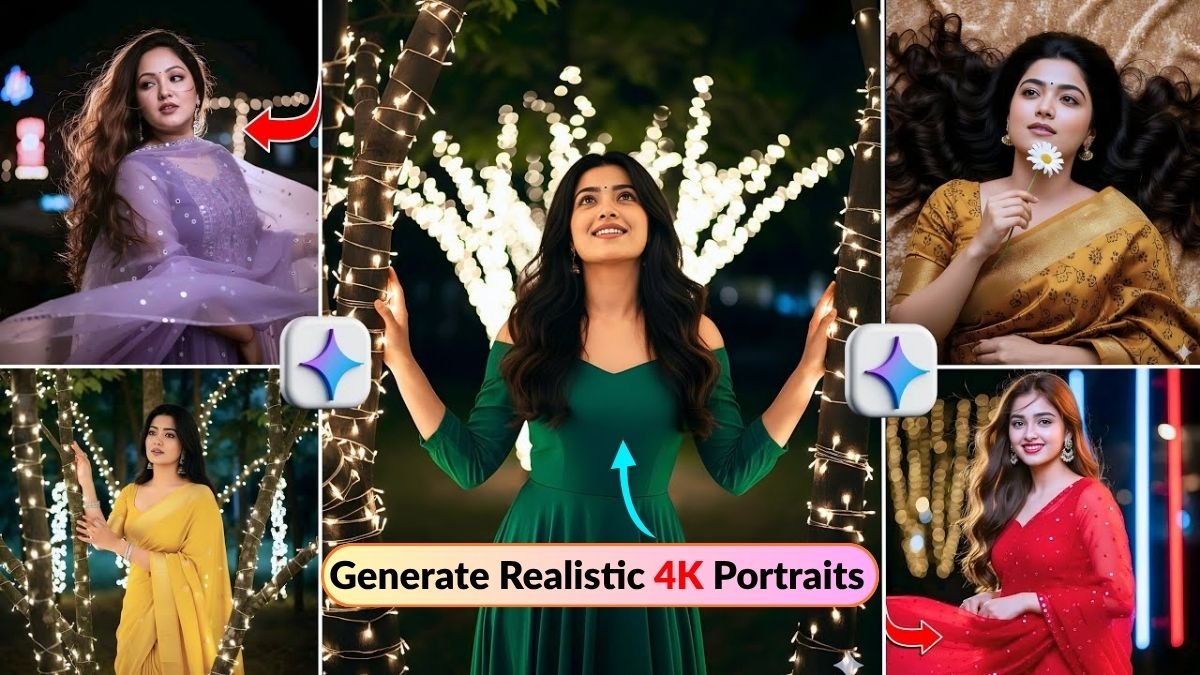
अगर आप भी सोच रहे हैं कि ChatGPT या Gemini जैसे AI tools से realistic 4K portraits कैसे बनाए जा सकते हैं, तो यह article आपके लिए perfect guide है। आजकल AI photo editing की दुनिया में एक नया trend चल रहा है — “AI prompts” का। सिर्फ कुछ सही words या sentences टाइप करके आप cinematic, DSLR-style, ultra-realistic portraits बना सकते हैं। लेकिन सवाल ये है — कौन से prompts काम करते हैं और उन्हें कैसे इस्तेमाल करें?
इस article में हम आपको बताएंगे Best ChatGPT AI Photo Editing Prompts जो आपको stunning, natural-looking 4K portraits बनाने में help करेंगे — बिना किसी professional editing skills के।
ChatGPT Photo Editing Prompts क्या होते हैं?
AI photo editing prompts basically वो short commands होते हैं जिन्हें आप ChatGPT या किसी AI image generator (जैसे Midjourney, Leonardo AI, या Perplexity AI) में डालते हैं। ये prompts आपके imagination को reality में बदल देते हैं — जैसे “a smiling Indian woman in traditional saree, soft lighting, cinematic portrait, 4K resolution” टाइप करते ही AI आपके लिए बिल्कुल वैसी image बना देगा।
ChatGPT अब सिर्फ text generator नहीं रहा; इसके smart AI image features से आप खुद के लिए professional-quality portraits design कर सकते हैं — वो भी free या very low cost में।
Best ChatGPT AI Photo Editing Prompts for 4K Portraits
नीचे दिए गए prompts को आप directly copy-paste करके try कर सकते हैं। ये सभी carefully optimized हैं ताकि आपको realistic skin texture, natural lighting और cinematic tones जैसे details मिलें।
1. Classic Studio Portrait Look
“Ultra-realistic portrait of a young woman with soft lighting, smooth skin texture, natural smile, 4K studio photography, captured with Canon EOS lens effect, gentle shadows, neutral background.”

अगर आप DSLR-style clarity चाहते हैं, तो ये prompt आपको perfect lighting और clean look देगा।
2. Outdoor Golden Hour Shot
“Portrait of a man standing under sunset light, warm tones, cinematic lens flare, soft background blur, high-resolution 4K image, realistic lighting on face, gentle expression.”
इस prompt से आप golden hour के soft light effect को recreate कर सकते हैं — बिल्कुल Instagram-worthy look!
3. Artistic Fashion Editorial Style
“Stylish model wearing trendy outfit, editorial lighting, creative composition, shallow depth of field, ultra-detailed 4K portrait, soft pastel tones, realistic facial details.”
ये prompt fashion bloggers और creative photographers के लिए best है जो unique poses और vibes चाहते हैं।
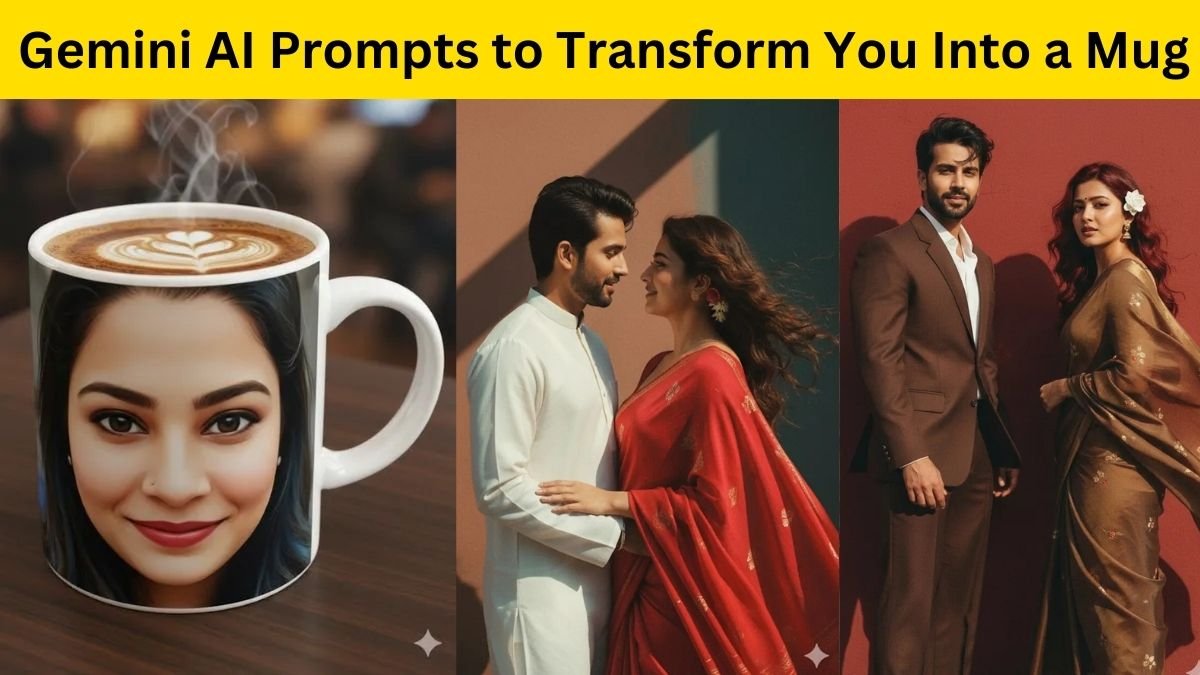
4. Cinematic Black & White Portrait
“Dramatic black and white portrait, strong contrast, cinematic shadows, intense expression, 4K resolution, film-grain texture, soft focus on eyes.”
अगर आप old-school movie vibe चाहते हैं, तो ये prompt आपको pure cinematic black & white finish देगा।
5. Natural Outdoor Portrait (No Filter Look)
“Realistic outdoor portrait of an Indian girl, minimal makeup, natural sunlight, detailed skin tone, 4K clarity, DSLR shot, soft blur background, pure authentic look.”
ये prompt ‘no filter’ style images के लिए ideal है, जो दिखती हैं simple लेकिन ultra-realistic।
ChatGPT Prompts Use करने के Best Tips
अब जब आपको best prompts पता चल गए हैं, तो चलिए कुछ important photo editing tips भी जान लेते हैं ताकि output और भी realistic लगे।

-
Lighting को हमेशा define करें — जैसे “soft natural light” या “studio lighting” ताकि AI को direction मिले।
-
Camera type mention करें — Canon, Nikon, Sony जैसे नाम से AI को lens style समझ आता है।
-
Expression या pose जोड़ें — जैसे “smiling”, “looking away”, “hands in pockets” आदि।
-
Resolution specify करें — हमेशा “4K” या “Ultra-HD” add करें ताकि image high quality में बने।
इन छोटे-छोटे adjustments से आपका AI-generated portrait next level पर चला जाएगा।

Realistic 4K Portrait बनाने के लिए Best AI Tools
अगर आप सोच रहे हैं कि ChatGPT के अलावा और कौन से platforms इस काम में helpful हैं, तो ये कुछ trusted tools हैं जिन्हें आप try कर सकते हैं:
-
Gemini AI Prompts Generator – cinematic portraits के लिए best
-
Leonardo AI – fast rendering और lighting balance में excellent
-
Midjourney AI – सबसे artistic और stylized output देता है
-
Perplexity AI Editor – realistic human facial structure maintain करता है
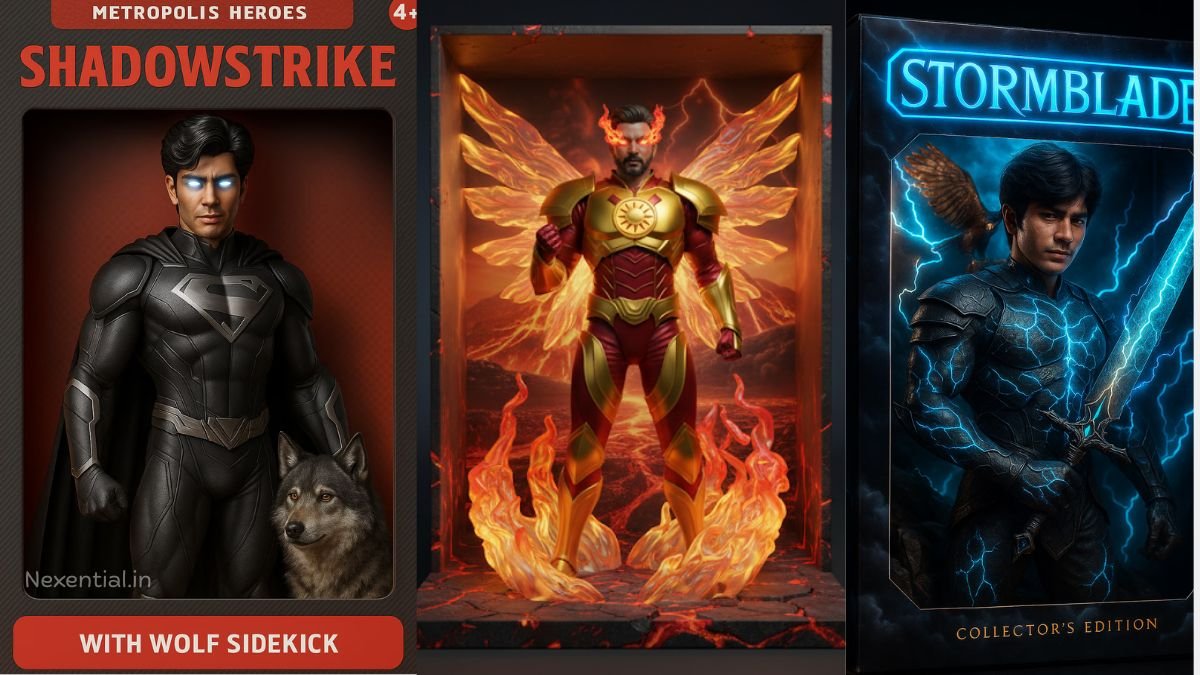
इन tools में आप ऊपर दिए गए ChatGPT prompts डालकर same high-quality portraits बना सकते हैं।
Bonus: Free AI Photo Editing Prompts for Beginners
अगर आप beginner हैं और अभी test करना चाहते हैं, तो नीचे दिए गए free prompts से शुरुआत करें:
“Portrait of a smiling boy wearing white t-shirt, soft background blur, 4K clarity, DSLR effect.”
“Cinematic Indian wedding portrait, natural tones, golden light, realistic couple expression, high resolution.”
“Professional headshot for LinkedIn, neutral background, confident expression, 4K portrait, clear focus.”
इन prompts को ChatGPT या किसी भी AI image tool में डालकर देखें — आपको फर्क खुद नज़र आएगा।
AI photo editing का future अब पूरी तरह prompts-based हो गया है। पहले जहाँ high-end editing softwares की जरूरत पड़ती थी, अब सिर्फ सही ChatGPT AI prompts से आप stunning 4K portraits बना सकते हैं। बस ध्यान रखें कि prompt natural, detailed और camera-style instructions वाला हो।
So next time जब आपको एक professional-looking 4K portrait चाहिए — तो Photoshop खोलने की ज़रूरत नहीं। बस ChatGPT खोलिए, ऊपर दिए गए prompts में से कोई भी use कीजिए, और कुछ ही seconds में पाएं ultra-realistic AI photo — बिल्कुल DSLR जैसी quality के साथ।