

AI photography अब सिर्फ tech experts का काम नहीं रहा। आज हर कोई कुछ creative lines यानी prompts लिखकर stunning realistic photos बना सकता है — thanks to Google Gemini AI.
अगर आप चाहते हैं कि आपकी AI images DSLR-quality जैसी दिखें, तो सही prompt चुनना सबसे ज़रूरी है।
यह guide आपको बताएगी कि perfect Gemini prompt कैसे लिखें और साथ ही ready-to-use examples भी देगी जिन्हें आप directly copy-paste कर सकते हैं।
Why Google Gemini AI for Photo Creation?
Google Gemini AI सिर्फ normal image generation tool नहीं है। इसकी specialty है:
-
Ultra-realistic detailing – हर photo में real skin texture और natural light दिखती है।
-
8K resolution output – sharp focus और cinematic clarity के साथ।
-
Smart context rendering – prompt के हर element को realistic तरीके से merge करता है।
-
Creative styling – आप cinematic, aesthetic, professional, or vintage tone easily बना सकते हैं।
How to Write an Effective Gemini Prompt
सही prompt लिखने के लिए 4 चीज़ों का ध्यान रखें:
-
Subject clarity: photo किसके बारे में है – person, object, या scene?
-
Lighting: soft, cinematic, golden hour या natural light mention करें।
-
Mood और expression: joyful, confident, calm, elegant जैसे emotional words जोड़ें।

-
Detail level: “8K detail”, “ultra-realistic texture”, “shallow depth of field” जैसे keywords से realism बढ़ता है।
Ready-to-Use Google Gemini Prompts for Ultra-Realistic Images
नीचे दिए गए सभी prompts professionally designed हैं ताकि आप बिना किसी editing के direct copy-paste करके stunning results पा सकें।
1. Cinematic Portrait (Male)

Prompt:
“Ultra-realistic cinematic portrait of a young man wearing a dark leather jacket, soft lighting from one side, sharp facial features, natural background blur, 8K detail, confident expression.”
Use For:
Professional photos, social media DP, or model portfolio.
Lighting Tip:
“Soft lighting from one side” adds natural cinematic depth.
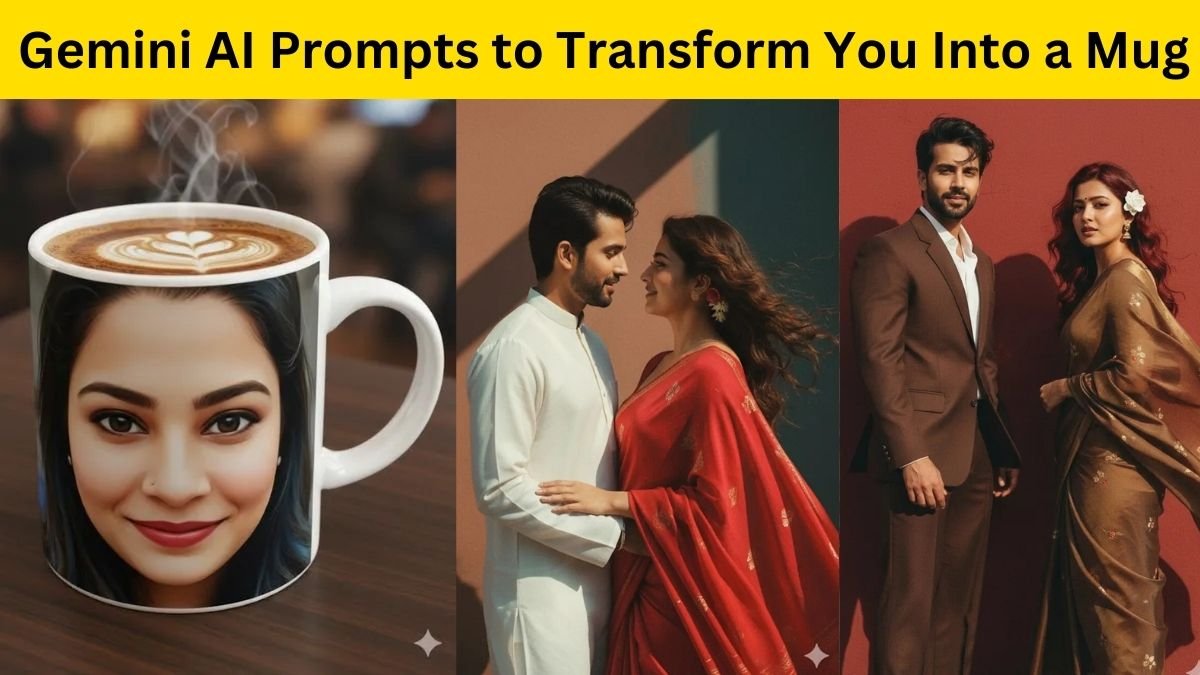
2. Elegant Female Portrait

Prompt:
“Beautiful young woman in soft sunlight, natural makeup, smooth skin tone, realistic hair texture, shallow depth of field, cinematic background, ultra-detailed photo.”
Use For:
Fashion shoots, lifestyle portraits, or brand imagery.
Style Note:
Add “soft sunlight” for natural glow and realism.
3. Traditional Indian Look
Prompt:
“Indian man wearing sherwani standing near palace doorway, warm golden light, detailed embroidery, natural skin texture, royal background, realistic depth and 8K resolution.”
Use For:
Festive themes, cultural events, or heritage concepts.
Tip:
Include “warm golden light” for a rich royal tone.
4. Outdoor Nature Portrait

Prompt:
“Cinematic portrait of a person standing in lush green forest, sunlight filtering through leaves, natural shadows, crisp focus, authentic color balance, ultra-realistic detail.”
Use For:
Adventure, travel, and natural theme portraits.
Tip:
“Sunlight filtering through leaves” creates professional cinematic realism.
5. Artistic Black and White Portrait
Prompt:
“Monochrome portrait in high contrast lighting, detailed facial texture, soft shadows, minimalist background, professional studio tone, realistic expression.”

Use For:
Editorial or fine art AI photography.
Tip:
Keep “high contrast” for bold emotional depth.
6. Urban Street Style
Prompt:
“Realistic portrait of a man in casual streetwear near graffiti wall, golden hour lighting, soft background blur, cinematic composition, sharp detailing.”
Use For:
Street photography, urban mood boards, or brand visuals.
Tip:
Add “golden hour lighting” for authentic outdoor tone.
7. Professional Corporate Look
Prompt:
“Clean studio portrait of a professional man in suit, neutral background, soft diffused light, sharp facial detail, confident pose, realistic tone.”
Use For:
LinkedIn, business portfolios, or professional branding.
Tip:
Mention “soft diffused light” for balanced tone and depth.
8. Rainy Day Mood Portrait


Prompt:
“Cinematic rainy day portrait with raindrops on glass, blurred city lights in background, natural shadows, emotional expression, high-resolution detail.”
Use For:
Cinematic and emotional AI portraits.
Lighting Tip:
Use “blurred city lights” for creative dramatic contrast.
9. Vintage Film Look
Prompt:
“Retro-inspired portrait with pastel colors, film grain effect, cinematic shadows, natural tone, authentic 80s vibe, ultra-realistic texture.”
Use For:
Artistic, nostalgic, or storytelling visuals.
Tip:
Add “film grain” for real vintage photography feel.
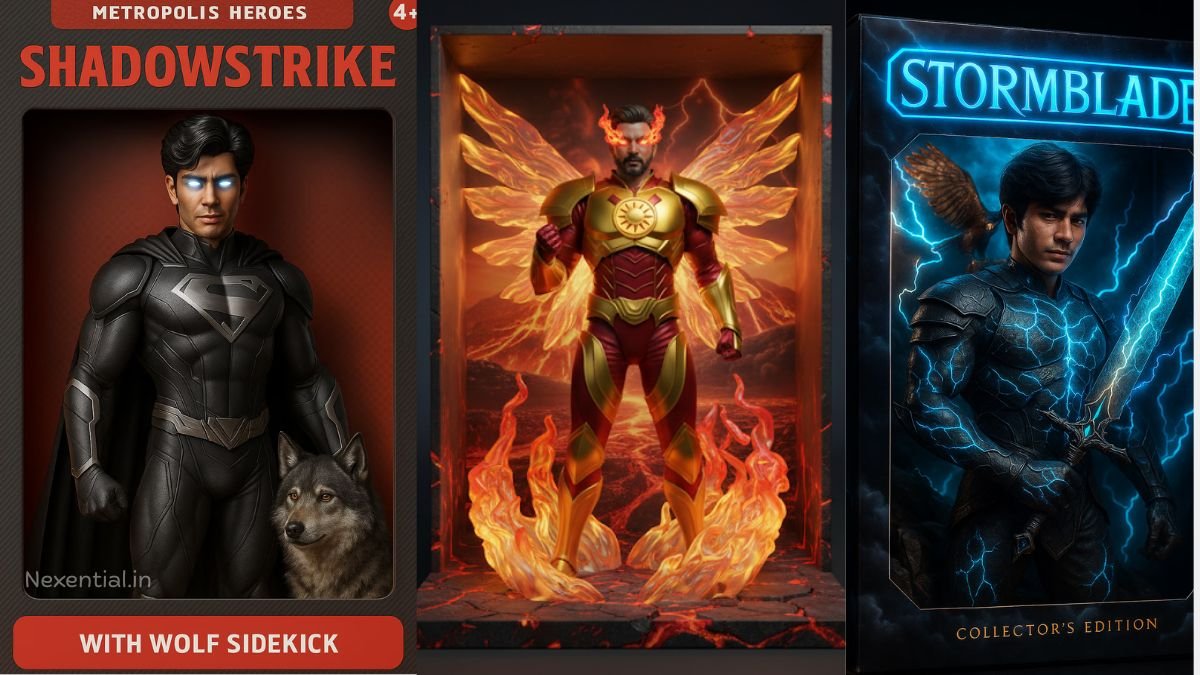
10. Luxury Lifestyle Portrait

Prompt:
“Cinematic portrait near luxury car at sunset, modern outfit, golden reflections, sharp depth, professional light balance, ultra-detailed 8K realism.”
Use For:
Luxury brand visuals, influencer posts, or magazine-style imagery.
Tip:
“Golden reflections” add richness and polish to the image.
Pro Tips for Realistic Output in Gemini AI
-
Avoid vague prompts – जितनी specific detail होगी, उतना realistic output मिलेगा।
-
Use emotional tone – Calm, confident, joyful जैसे words natural expressions generate करते हैं।
-
Experiment with lighting – “Cinematic” और “golden hour” सबसे effective होते हैं।
-
Add realism keywords – जैसे “natural texture”, “realistic depth”, “high dynamic range”.
Google Gemini AI अब सिर्फ photo generation tool नहीं बल्कि एक creative studio है जो आपके imagination को real visuals में बदल देता है।
सही prompts के साथ, आप cinematic portraits, professional headshots या festival images — सब कुछ realistic quality में बना सकते हैं।
इन ready-to-use Gemini prompts को try करें और देखें कैसे आपकी AI images DSLR-like clarity और cinematic perfection के साथ सामने आती हैं।