
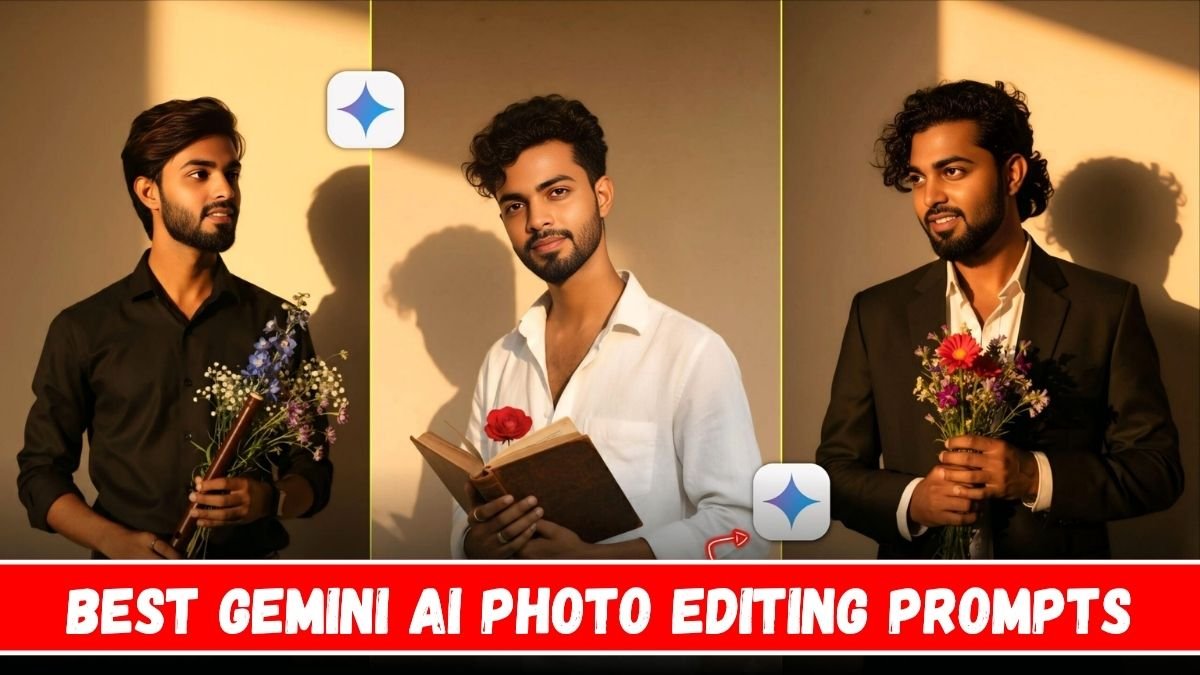
Hello दोस्तों, आपका स्वागत है हमारे आज के इस खास AI photo editing article में!
अगर आप भी चाहते हैं कि आपकी तस्वीरें आज के modern look से हटकर retro और vintage style में नजर आएं, तो आज का ये post आपके लिए goldmine साबित होगा।
हम बात करेंगे Gemini AI Photo Editing Prompts के बारे में — जिनसे आप अपनी ordinary photos को 80’s और 90’s के classic look में बदल सकते हैं, वो भी बिना Photoshop या Lightroom के।
Gemini AI – Photo Editing का Future
दोस्तों, Google का Gemini AI अब सिर्फ text या chat तक सीमित नहीं रहा।
अब इसमें ऐसे advanced photo editing tools और AI generation features आ गए हैं, जो आपके normal images को cinematic, vintage या dreamy style में transform कर सकते हैं।
सिर्फ एक perfect prompt डालिए, और Gemini AI seconds में photo को professional finish दे देता है।
Retro & Vintage Style क्या होता है?
Retro या Vintage photo look का मतलब होता है वो classic feel जो पुरानी फिल्मों, फिल्म कैमरों या Polaroid photos में दिखती थी —
जैसे faded colors, soft grain, warm tone, film light leak effect, और old-style composition।
ये look आज के Instagram, Pinterest और Threads पर तेजी से viral हो रहा है क्योंकि लोग फिर से nostalgic aesthetics पसंद करने लगे हैं।
Top 10 Gemini AI Photo Editing Prompts for Retro & Vintage Style (2025 Edition)
अब बात करते हैं असली magic की — यानी prompts की।
ये prompts आप Gemini AI या किसी भी AI photo generator में डाल सकते हैं और अपने photo को instant retro touch दे सकते हैं।
- Transform my portrait into a 1970s retro film photo with warm tones, light grain, and faded background.”
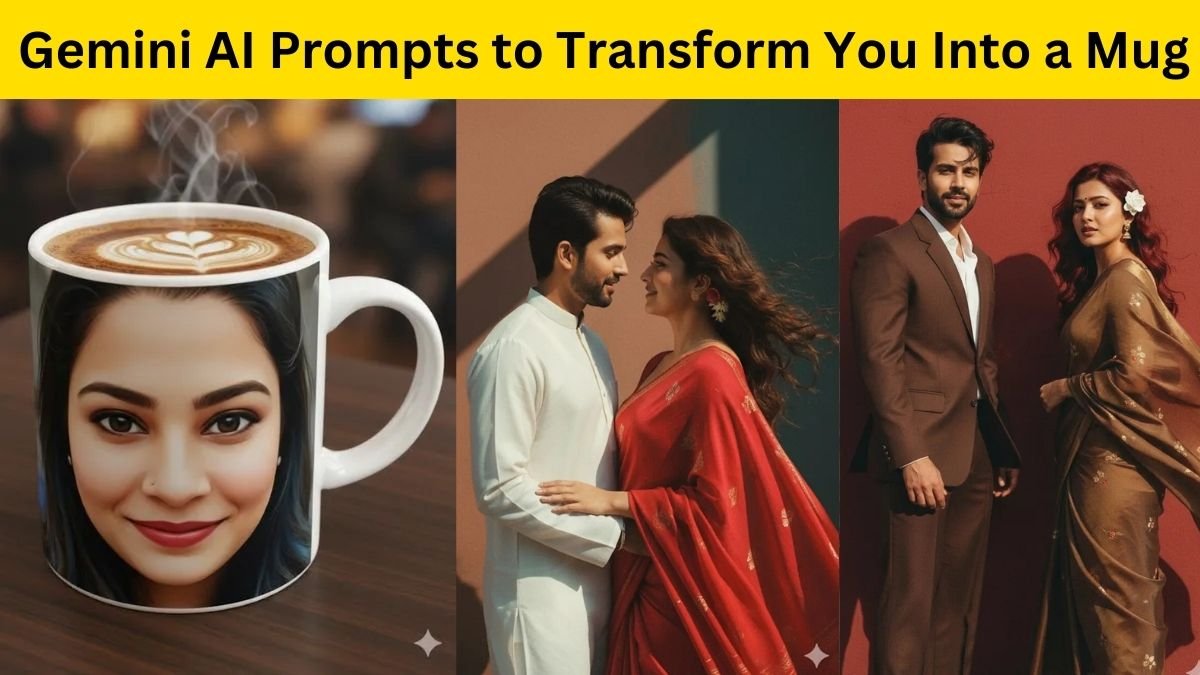
- Create a vintage couple photo with soft sunlight, sepia tone, and classic 90s background.”
- Old film camera effect with natural grain, light leak, and matte finish – nostalgic style.”
- Make my travel photo look like 80s film postcard – muted colors, warm contrast, and vintage vibe.”
- Retro cinematic look with film scratches, soft highlights, and realistic color tone.”
- Convert my photo into a Polaroid-style image with white border and slight fade effect.”
- Vintage street photo – rainy road reflection, soft bokeh, and moody retro lighting.”
- Black and white film look with old lens blur and grain texture, 1960s style.
- Classic Bollywood retro photo with soft glamour light and pastel background.
- Old camera photo effect – golden tone, slightly faded saturation, warm shadow details.

इन Prompts का इस्तेमाल कैसे करें?
-
Gemini AI खोलिए – जिसमें image editing या generation option हो।
-
Prompt डालिए – ऊपर दिए गए prompt को अपने photo के type (portrait, couple, travel) के अनुसार edit करें।
-
Generate या Edit पर क्लिक करें – AI तुरंत आपके लिए vintage look तैयार करेगा।
-
Download और Share करें – Instagram, Pinterest, या Threads पर retro content अभी trend में है।
Extra Tip – Prompt में ये Keywords ज़रूर जोड़ें
अगर आप चाहते हैं कि photo और realistic लगे, तो इन words को अपने prompt में mix करें:
-
“Realistic lighting”
-
“Film grain”

-
“Matte tone”
-
“Cinematic composition”
-
“Soft shadow”
-
“Muted colors”

इससे Gemini AI को exact retro detailing समझ में आती है, और result बेहद authentic लगता है।
Benefits – Gemini AI Retro Editing क्यों खास है?
-
No need for professional editing tools
-
Fast & High-quality results
-
100% customizable look
-
Social media–friendly style
-
Easy to recreate classic memories
तो दोस्तों, अब आपको पता चल गया होगा कि Gemini AI Photo Editing Prompts से आप कैसे अपनी photos को stunning retro और vintage style में transform कर सकते हैं। AI अब सिर्फ smart नहीं रहा — ये creative भी बन चुका है।
चाहे आप couple photo, solo portrait या travel shot को edit करें, बस एक सही prompt डालिए और कुछ ही seconds में पाएं nostalgic cinematic photo look।