

आज के digital era में AI Photo Editing ने फोटोग्राफी की दुनिया को पूरी तरह बदल दिया है। अब सिर्फ एक photo और सही Gemini AI prompt की मदद से आप अपनी तस्वीरों को retro, vintage या cinematic look में बदल सकते हैं।
अगर आप Saree पहनकर ली गई अपनी photos को classy, elegant और old-school charm देना चाहती हैं, तो ये ब्लॉग आपके लिए perfect है।
यहाँ हम लेकर आए हैं 20 Trendy Gemini AI Prompts जो आपकी simple saree photos को “magazine-style vintage portraits” में बदल देंगे।
क्यों करें Saree Photos के लिए Gemini AI का इस्तेमाल?
Gemini AI editing में आपको किसी expensive filter या professional studio की जरूरत नहीं होती। बस एक सही prompt डालिए, और आपकी ordinary saree photo कुछ ही सेकंड में बन जाती है cinematic art piece।
मुख्य फायदे:
-
Retro & Vintage Look मिलता है जैसे पुराने बॉलीवुड युग की तस्वीरें।
-
Saree की detailing और color tone natural और elegant दिखते हैं।
-
Skin texture soft और realistic बनता है।

-
Background automatically cinematic tone में adjust होता है।
20 Trendy Gemini AI Prompts for Saree Photo Editing
नीचे दिए गए सभी prompts आप सीधे Google Gemini AI Editor या किसी भी AI image generator में डालकर use कर सकती हैं।
1. Retro Bollywood Style Prompts
-
Retro Bollywood actress look in red silk saree, cinematic studio lighting, vintage grain effect
-
Classic 70s Indian woman portrait in cotton saree, soft natural light, film tone
-
Cinematic old film look of woman in golden saree, vintage background blur
-
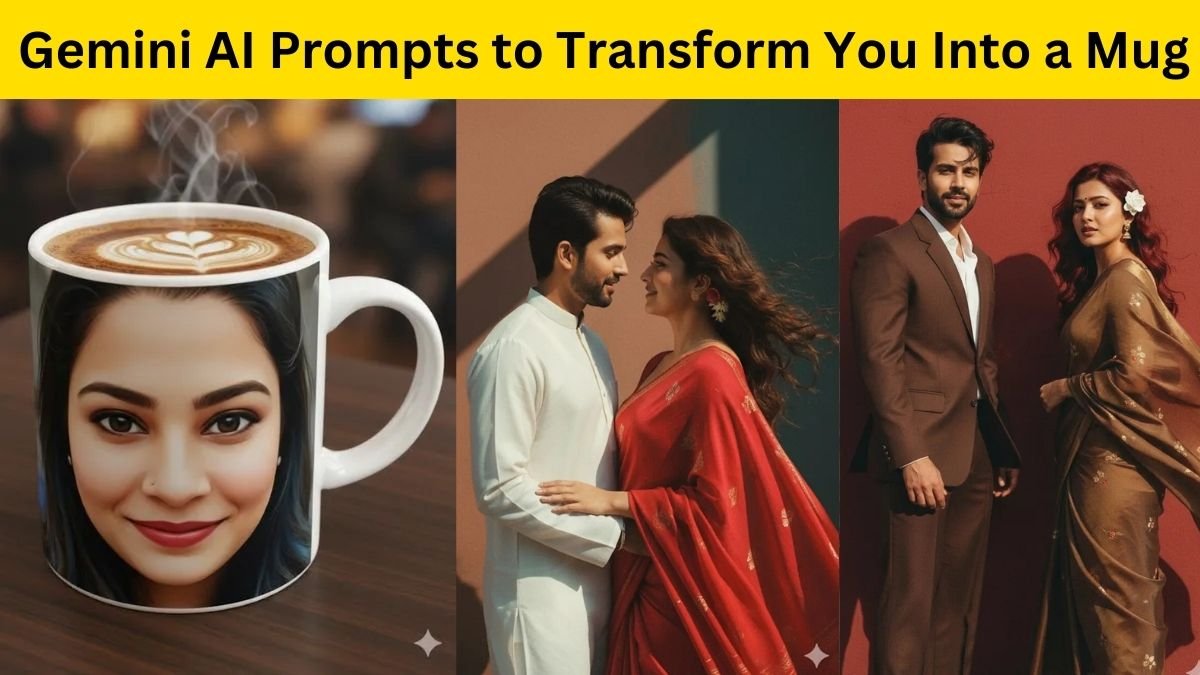
Traditional Indian saree photo with 80s Bollywood style, soft color grading
-
Elegant retro saree look, warm tones, vintage vignette finish
2. Vintage Artistic Portrait Prompts
-
Artistic vintage saree portrait with sepia filter and film scratches
-
Saree woman standing near old wooden door, cinematic light leak effect
-
Retro-style portrait in black & white saree, classic soft shadow lighting
-
Traditional woman in saree with antique jewelry, vintage lens blur
-
Classic portrait with muted tones and dreamy film background

3. Royal Heritage Saree Look Prompts
-
Royal Indian woman in Kanjeevaram saree, palace backdrop, cinematic tone
-
Vintage Rajasthani look with saree and traditional ornaments, old photo texture
-
Elegant saree portrait in heritage haveli background, golden hour lighting
-
Queen-style vintage portrait with jewelry close-up and soft focus
-
Old royal photoshoot style in maroon saree, detailed background blur
4. Soft Cinematic & Dreamy Prompts
-
Dreamy saree portrait near window light, vintage warm tones

-
Cinematic saree photo in natural sunlight with retro glow
-
Saree woman standing in garden with film grain and soft vignette effect
-
Old aesthetic portrait with natural background and muted shades
-
Vintage retro saree look with DSLR-style cinematic blur
Gemini AI से Retro Saree Look कैसे बनाएं?
-
Gemini AI Editor खोलें।
-
अपनी saree photo upload करें।
-
ऊपर दिए गए किसी भी prompt को copy-paste करें।
-
Output image को preview करें और अगर जरूरत हो तो brightness या saturation adjust करें।
बस इतना ही! कुछ ही सेकंड में आपकी saree photo बन जाएगी retro & vintage cinematic portrait जैसी।
Editing Tips for Natural Look
-
Saree का color bright हो तो warm tone prompts चुनें।
-
Light pastel sarees के लिए soft vintage filters बेहतर रहते हैं।
-
Jewelry और hairstyle पर ध्यान दें – इससे photo की detailing बढ़ती है।
-
Background simple रखें ताकि saree और expression ज़्यादा उभरकर आएं।
अगर आप भी अपनी Saree Photos को एक unique, timeless और elegant touch देना चाहती हैं, तो ये 20 Trendy Gemini AI Prompts आपकी मदद करेंगे।
इनसे आप सिर्फ कुछ क्लिक में retro cinematic portraits बना सकती हैं जो Instagram और Pinterest पर वायरल होने लायक हों।
Gemini AI के ये prompts fashion influencers, wedding photographers और content creators के लिए भी game-changer साबित हो सकते हैं।