
नमस्कार दोस्तों,
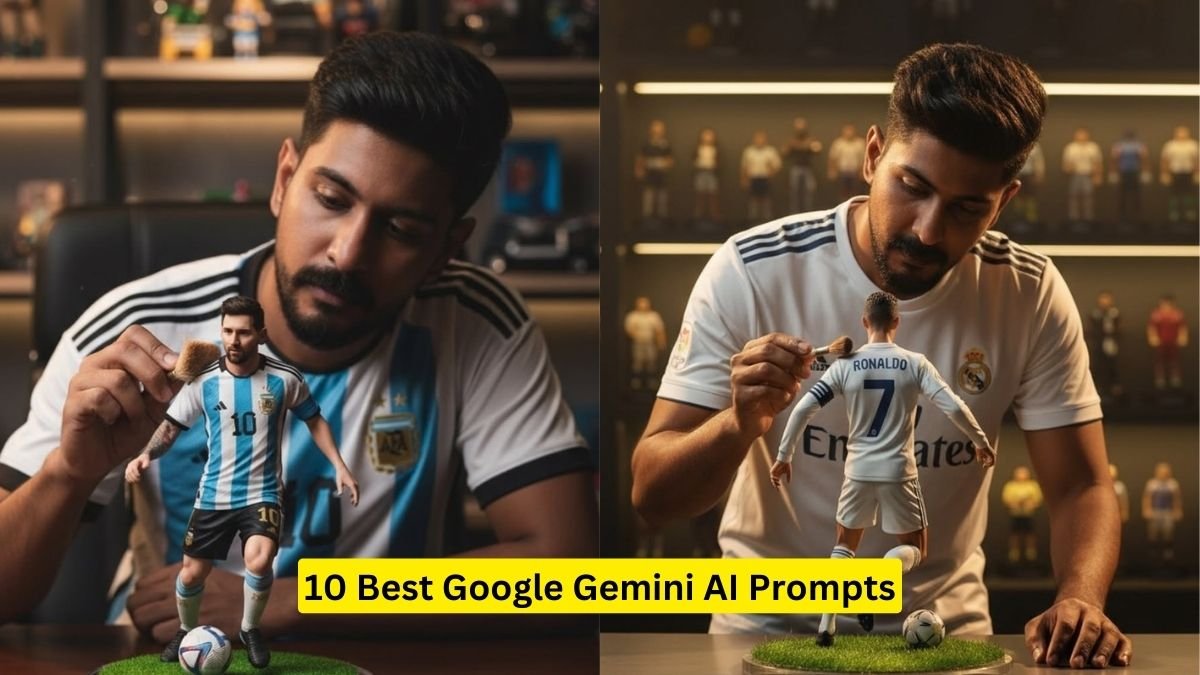
आजकल social media पर हर कोई चाहता है कि उसकी photos unique, stunning और viral-worthy हों। लेकिन ordinary phone photos में वही magic और wow factor नहीं आता। यही कारण है कि Google Gemini AI सबसे ज्यादा trending tool बन गया है।
Gemini AI की मदद से आप सिर्फ एक prompt copy-paste करके अपनी photo को HD, cinematic और social media-ready look में बदल सकते हैं।
इस ब्लॉग में हम आपके लिए लाए हैं 10 Best Google Gemini AI Prompts, जिन्हें copy-paste करके आप अपनी photos को super viral और beautiful बना सकते हैं।
क्यों करें Gemini AI Prompts का इस्तेमाल?
-
Stunning HD Photos: Normal photos को AI cinematic और ultra-realistic बना देता है।
-
Time Saving: Photography और editing skills की जरूरत नहीं।
-
Social Media Viral: Unique और eye-catching photos जल्दी viral होती हैं।
-
Creative Control: Outfit, background, lighting और mood prompt में define कर सकते हैं।
-
Trending Content: Festivals, fashion, lifestyle और travel के लिए perfect।

Google Gemini AI Prompts कैसे Use करें?
-
Google Gemini AI tool/app खोलें।
-
अपनी photo upload करें या text-to-image option चुनें।
-
नीचे दिए गए prompts copy-paste करें।
-
AI आपकी photo को instant HD और stunning look में बदल देगा।
-
Photo save करके Instagram, Reels, Facebook और WhatsApp पर share करें।
10 Best Google Gemini AI Prompts for Viral and Beautiful Photos
नीचे दिए गए prompts को आप direct Gemini AI में use कर सकते हैं:
-
“Young woman standing in golden sunset, casual chic outfit, cinematic background, HD photo, vibrant colors”
-
“Man in black leather jacket, urban street background, cinematic lighting, realistic HD photo”
-
“Girl posing with colorful balloons, dreamy pastel sky, magical festival vibes, HD photo”
-
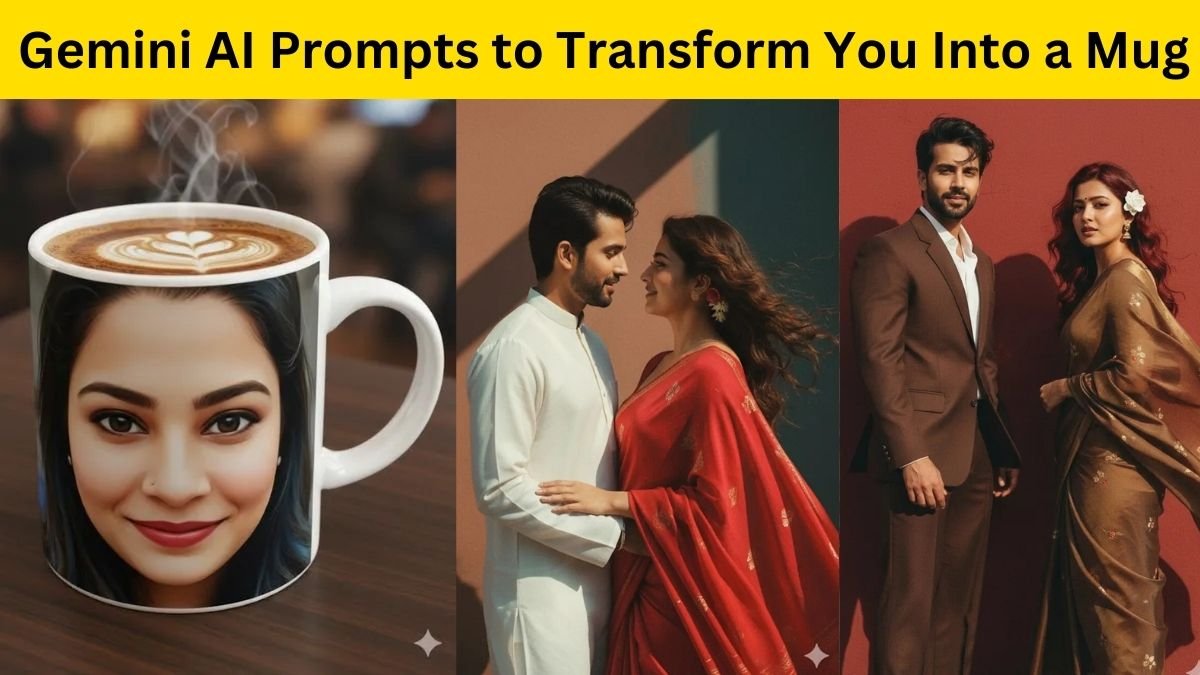
“Young couple holding hands in autumn park, golden leaves, cinematic shot, HD quality”
-
“Trendy girl in denim jacket and ripped jeans, graffiti wall background, urban fashion look, HD photo”
-
“Woman wearing flowing red dress on cliff, cinematic sunset, dramatic lighting, ultra HD photo”
-
“Man standing near luxury car, city skyline background, cinematic fashion shot, HD photo”
-
“Girl sitting on bench with coffee cup, urban street cafe vibe, cinematic lighting, HD photo”

-
“Traveler in mountain peak, cloudy sky, cinematic adventure vibe, HD photo”
-
“Fashion influencer in modern outfit, colorful city lights background, cinematic HD shot, realistic photo”
Viral Photos बनाने के Tips
-
Before-After Post: Original और AI-generated photo side-by-side share करें।
-
Captions Use करें: जैसे “Transformed by Gemini AI!” या “HD cinematic vibes”।
-
Trending Hashtags डालें: #GeminiAI #ViralPhoto #HDPhoto #AIEditing #StunningAIPhoto #CopyPastePrompts
-
Festive Theme Add करें: जैसे Navratri, Diwali, Christmas या Birthday.
-
Reels और Short Videos बनाएं: AI photo slideshow बनाकर trending music पर upload करें।

क्यों Popular हैं Gemini AI Prompts?
-
हर कोई अपनी photos को creative, professional और viral बनाना चाहता है।
-
AI tool बहुत आसान और fast है।
-
Prompts के साथ photos HD, cinematic और realistic बनती हैं।
-
Social media पर unique और eye-catching content हमेशा trending रहता है।
Bonus Tips – Perfect AI Photo बनाने के लिए
-
Outfit और background को prompt में detail में mention करें।
-
Lighting और mood add करें – cinematic, sunset, natural light, dramatic।
-
Pose और expression specify करें – smiling, serious, walking, twirling।
-
HD और realistic words add करें ताकि final output professional दिखे।
-
Festival या theme specific prompts use करें – Navratri, birthday, travel, fashion.
दोस्तों, अगर आप अपनी ordinary photos को super viral और beautiful बनाना चाहते हैं तो ये 10 Best Google Gemini AI Prompts आपके लिए perfect हैं।
बस copy-paste कीजिए, Gemini AI में try कीजिए और देखें अपनी photos कैसे बनती हैं HD, cinematic, stunning और social media-ready।
इस तरह, आप सिर्फ AI prompts से अपने Instagram, Reels और Facebook पर अलग shine कर सकते हैं और friends के साथ मजेदार reactions भी ले सकते हैं।